
Understanding Branches
Learn how Git branches allow you to work on new features safely without affecting your main project.
Introduction
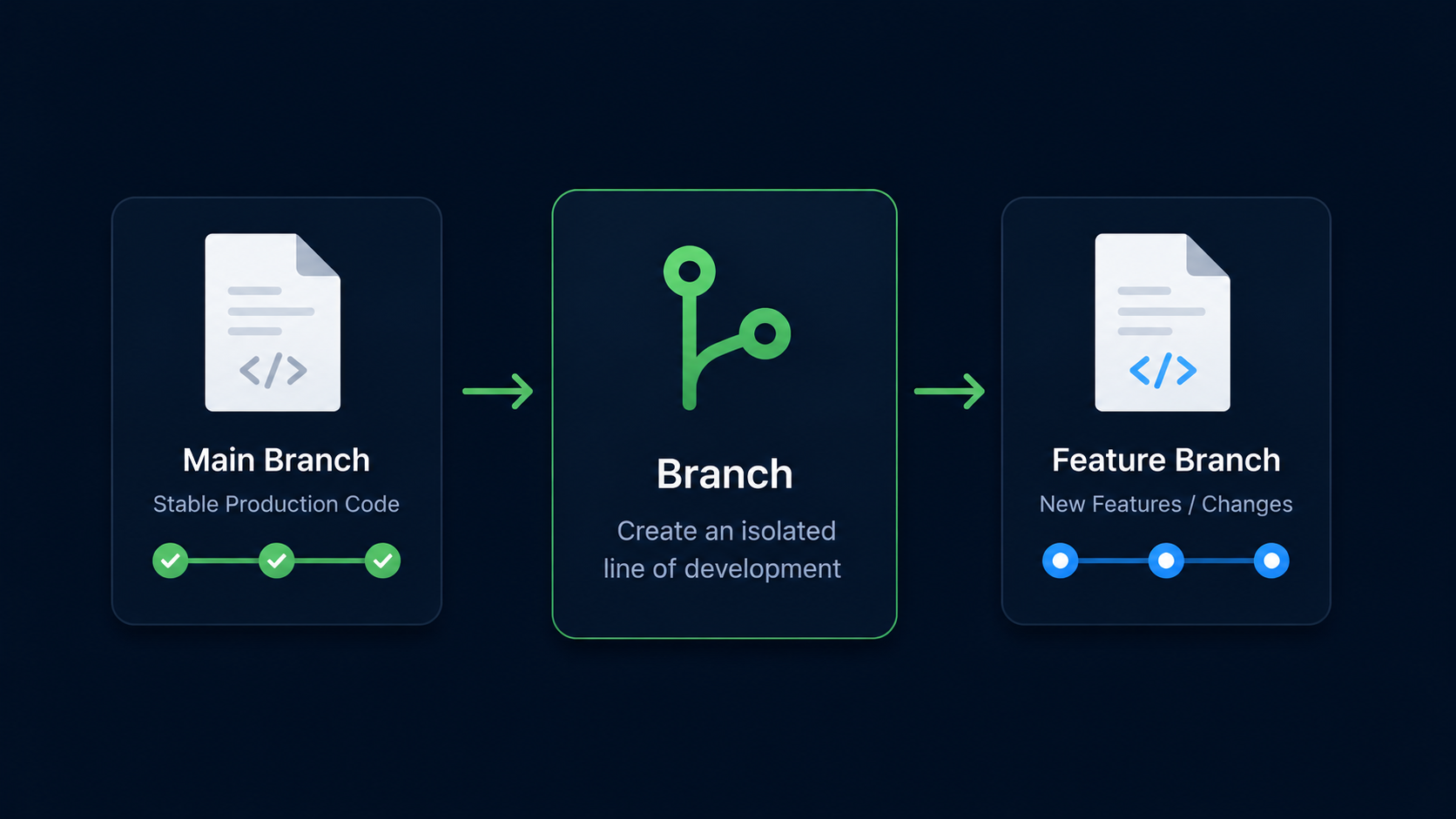
One of Git's most powerful features is the ability to create branches. Branches allow you to work on new ideas, features, fixes, and experiments without affecting the main version of your project.
Instead of making every change directly on the main branch, developers create separate branches where they can work safely. Once the work is complete, those changes can be merged back into the main project.
In this guide, you'll learn what branches are, why they exist, and how they help development teams work efficiently without interfering with each other.
Why Branches Exist
Imagine building a website that is already working properly. You decide to add a completely new navigation system. If something goes wrong, you don't want to break the version people are already using.
Branches solve this problem by giving you a separate workspace where you can make changes without affecting the main project.
Real World Example
A company website is running on the main branch. A developer creates a new branch called navigation-redesign to build an entirely new navigation system. If the work succeeds, it can later be merged into the main project. If it fails, the branch can simply be discarded.
Branches Mental Model
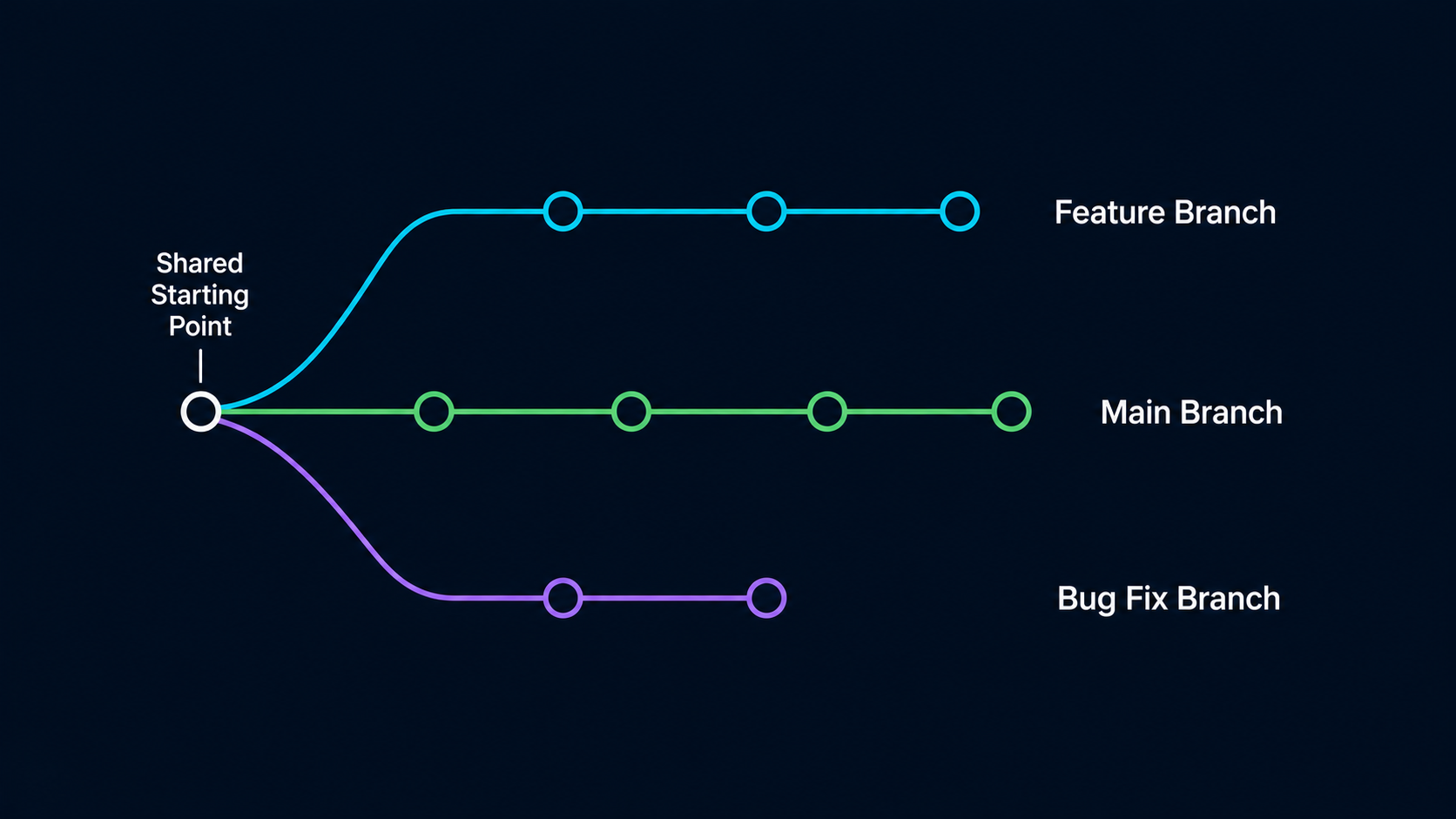
Think of a branch as an alternate timeline of your project. Both timelines start from the same point, but each can evolve independently.
The main branch continues representing the stable version of the project while other branches can contain new features, bug fixes, experiments, or unfinished work.
Simple Mental Model
A branch is like creating a copy of your project's timeline so you can work safely without affecting the original.
Understanding The Main Branch
Most Git repositories begin with a branch called main. This branch usually represents the primary version of the project.
When you create commits, they are added to the branch you are currently working on.
| Branch | Typical Purpose |
|---|---|
| main | Stable primary version of the project |
| feature branch | New feature development |
| bugfix branch | Fixing problems |
| experiment branch | Testing new ideas |
The branch itself is simply a pointer that keeps track of the latest commit in that line of development.
Visualizing Branches
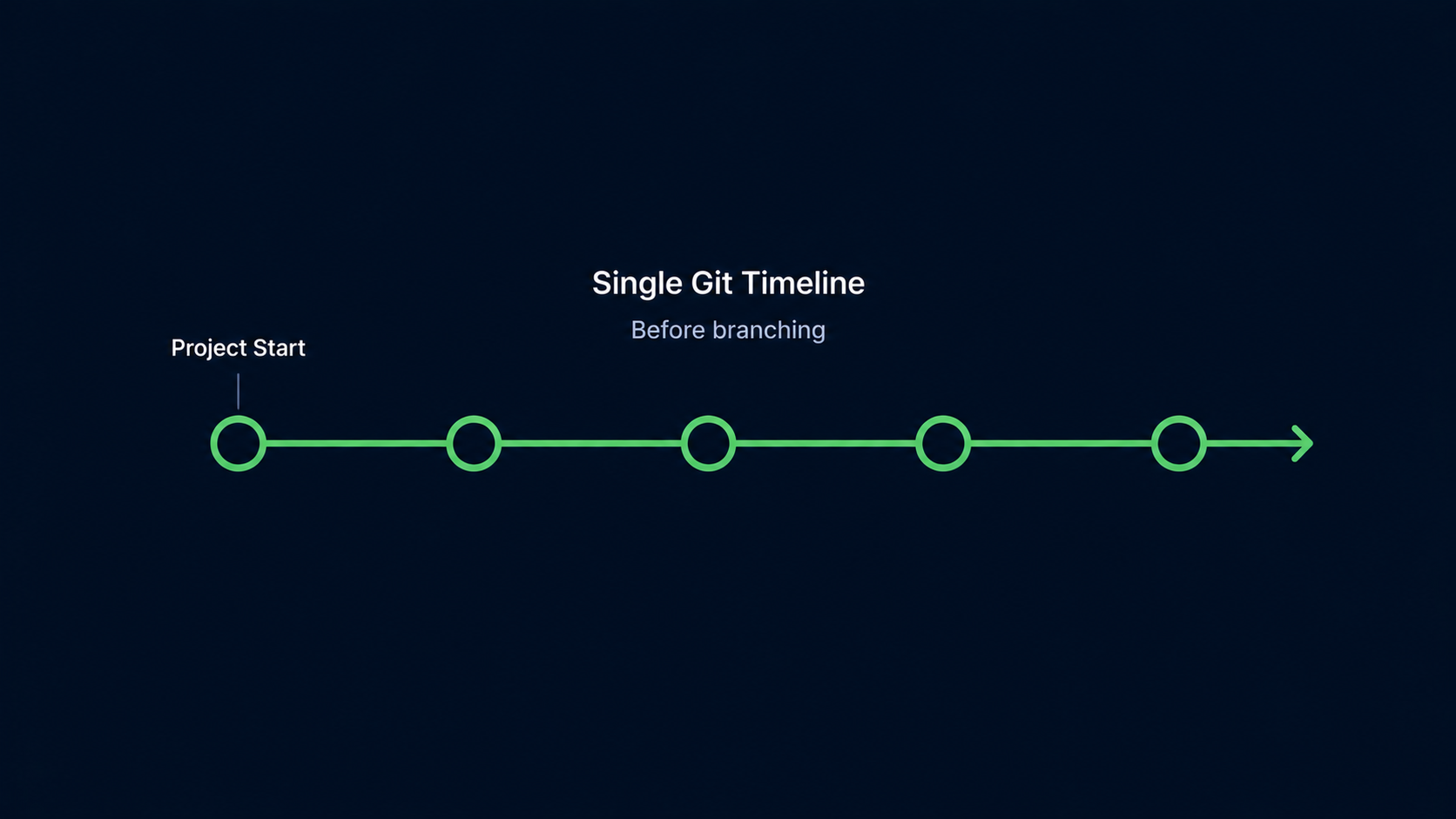
Before branching, your project history follows a single timeline.
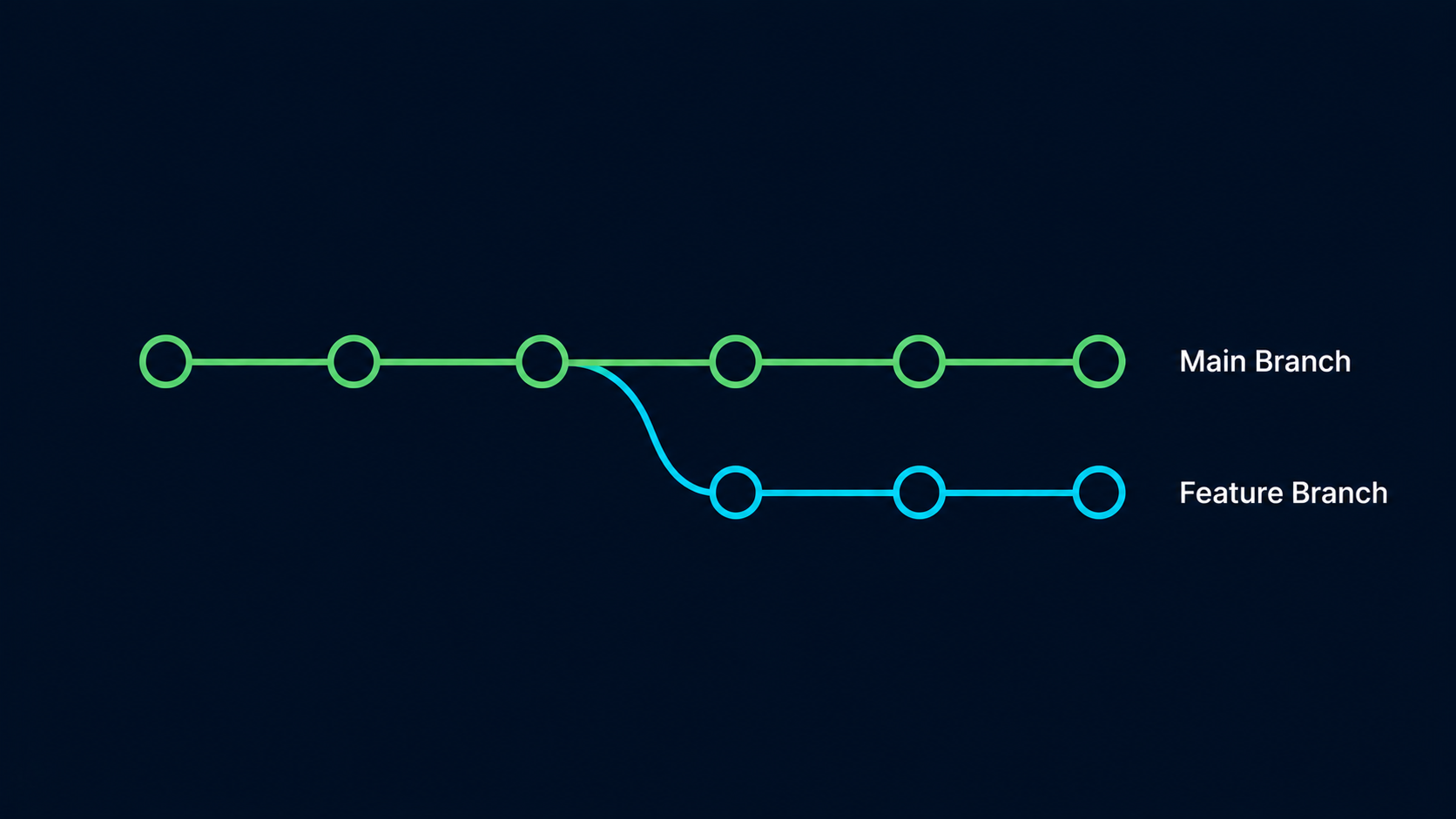
After creating a branch, Git allows two independent lines of development.
View Existing Branches
Git can show all branches that currently exist in your repository.
Open Git Bash In Your Repository
Navigate to an existing Git repository.
Use the repository you've been building throughout this learning path.
cd ~/my-first-projectView Available Branches
Run git branch to see the branches in your repository.
The current branch appears with an asterisk.
git branch[user@computer MINGW64 ~/my-first-project (main)]
$ git branch
* main
The asterisk indicates that you are currently working on the main branch.
Create A New Branch
Creating a branch gives you a separate place to work without affecting the main project timeline.
Create A Feature Branch
Use git branch followed by a branch name.
Branch names should clearly describe the work being done.
git branch navigation-redesign[user@computer MINGW64 ~/my-first-project (main)]
$ git branch navigation-redesign
[user@computer MINGW64 ~/my-first-project (main)]
$
Git created the branch, but you are still working on main.
Verify The Branch Exists
Run git branch again to see all available branches.
Both branches should now appear.
git branch[user@computer MINGW64 ~/my-first-project (main)]
$ git branch
* main
navigation-redesign
Notice that main is still marked with the asterisk because it remains the active branch.
Although the navigation-redesign branch now exists, Git has not switched you into it yet. Creating a branch and switching to a branch are two separate actions.
What Happens Next
Right now, any new commits you create would still be added to main because it remains the active branch. To begin working on navigation-redesign, you must switch to that branch first.
Switch To The New Branch
Use git switch followed by the branch name to move into the new branch.
After switching, any new commits will be added to navigation-redesign instead of main.
git switch navigation-redesign[user@computer MINGW64 ~/my-first-project (main)]
$ git switch navigation-redesign
Switched to branch 'navigation-redesign'
Verify The Active Branch
Run git branch again to confirm that Git switched you to the new branch.
The asterisk should now appear next to navigation-redesign.
git branch[user@computer MINGW64 ~/my-first-project (navigation-redesign)]
$ git branch
main
* navigation-redesign
The asterisk now appears next to navigation-redesign, indicating that it is the active branch. Any new commits you create will be added to this branch until you switch to another branch.
Branches Are Independent
Each branch can receive its own commits. Changes made on one branch do not automatically appear on another branch.
This isolation is what makes branching so powerful. Developers can work on features independently while keeping the main project stable.
Team Development Example
One developer works on a new login system while another redesigns the homepage. Each developer uses a separate branch so their work remains isolated until it is ready.
Common Branch Naming Conventions
| Branch Name | Purpose |
|---|---|
| feature-login | New feature |
| feature-dark-mode | New feature |
| bugfix-navigation | Bug fix |
| experiment-redesign | Testing ideas |
| release-v2 | Release preparation |
Clear branch names make repositories easier to understand and manage.
Why Branches Matter
Branches allow developers to experiment without fear. Instead of risking the stability of the main project, new work can happen in isolated environments.
This workflow is one of the primary reasons Git became the standard version control system used throughout the software industry.
Common Beginner Mistakes
| Mistake | Why It Happens | Better Habit |
|---|---|---|
| Thinking branches copy files | Confusing branches with folders | Think of branches as timelines |
| Using vague branch names | Hard to understand purpose | Use descriptive names |
| Making all changes on main | Fear of branching | Create branches for new work |
| Assuming branches affect each other automatically | Misunderstanding isolation | Remember branches are independent |
Looking Ahead
Creating a branch is only the first step. Next, you'll learn how to switch between branches so you can begin working inside them.
Conclusion
In this guide, you learned what branches are, why they exist, how they create independent timelines, and how to create and view branches in a Git repository.